 Image 1 of 5
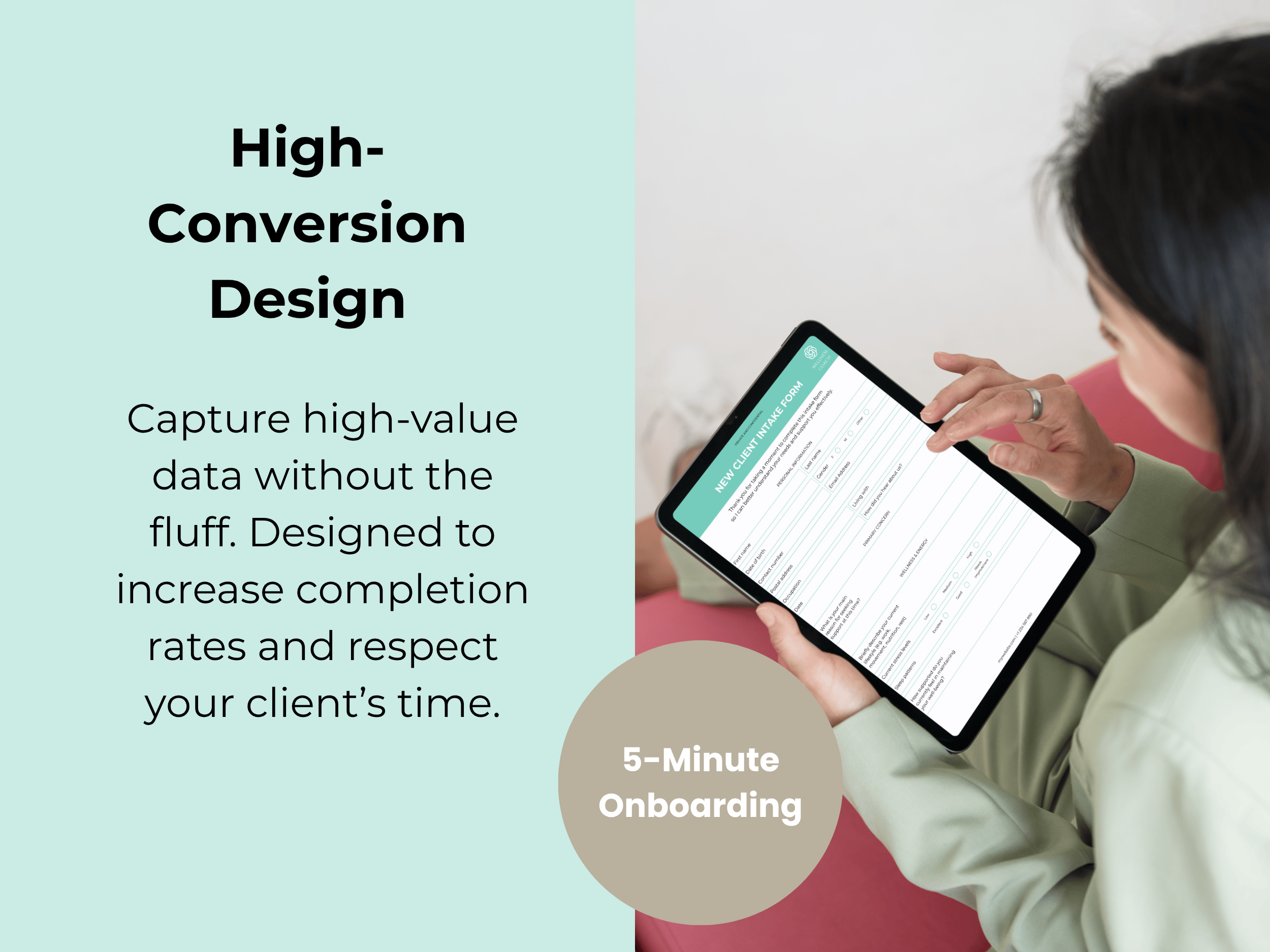 Image 2 of 5
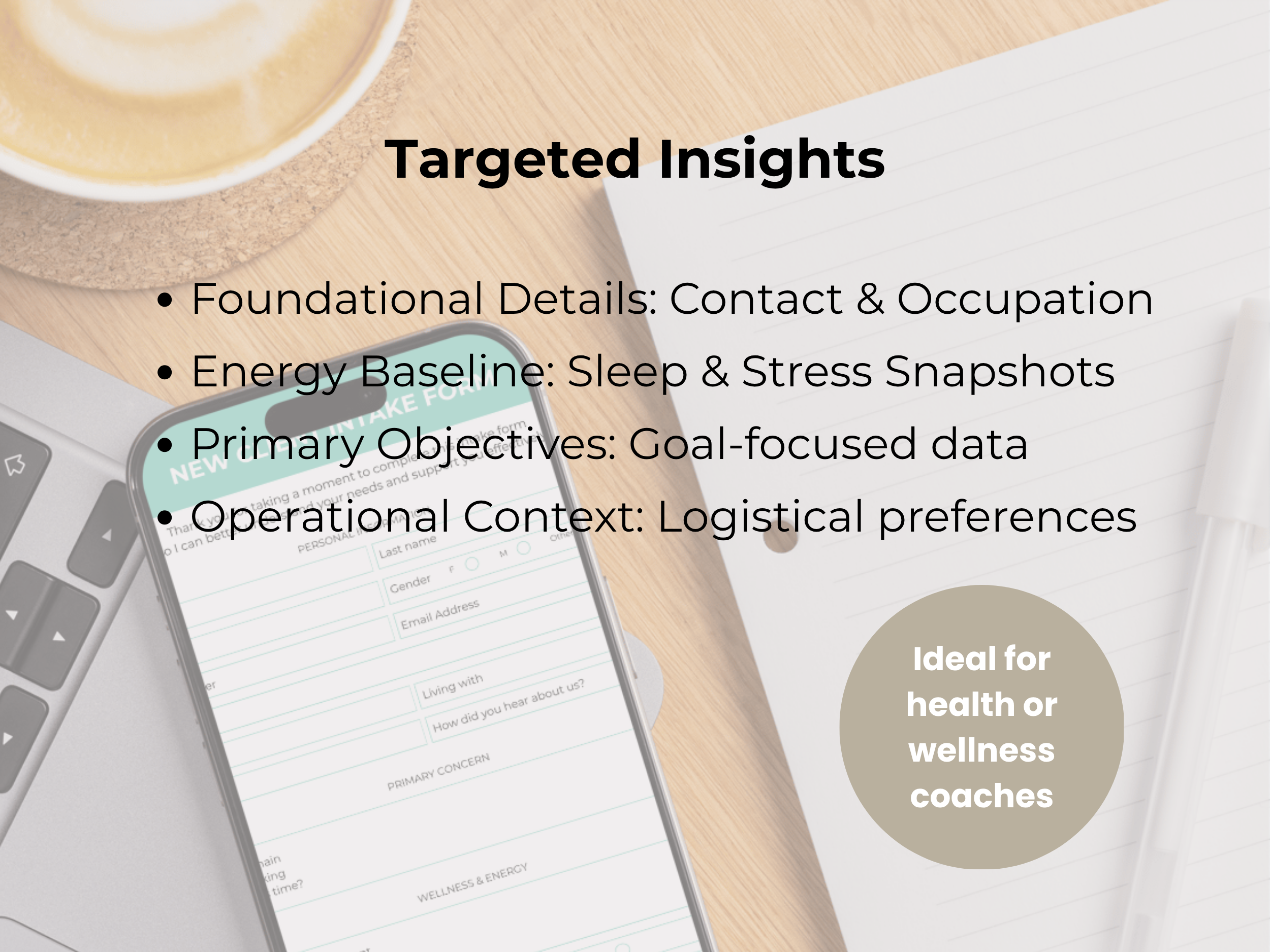 Image 3 of 5
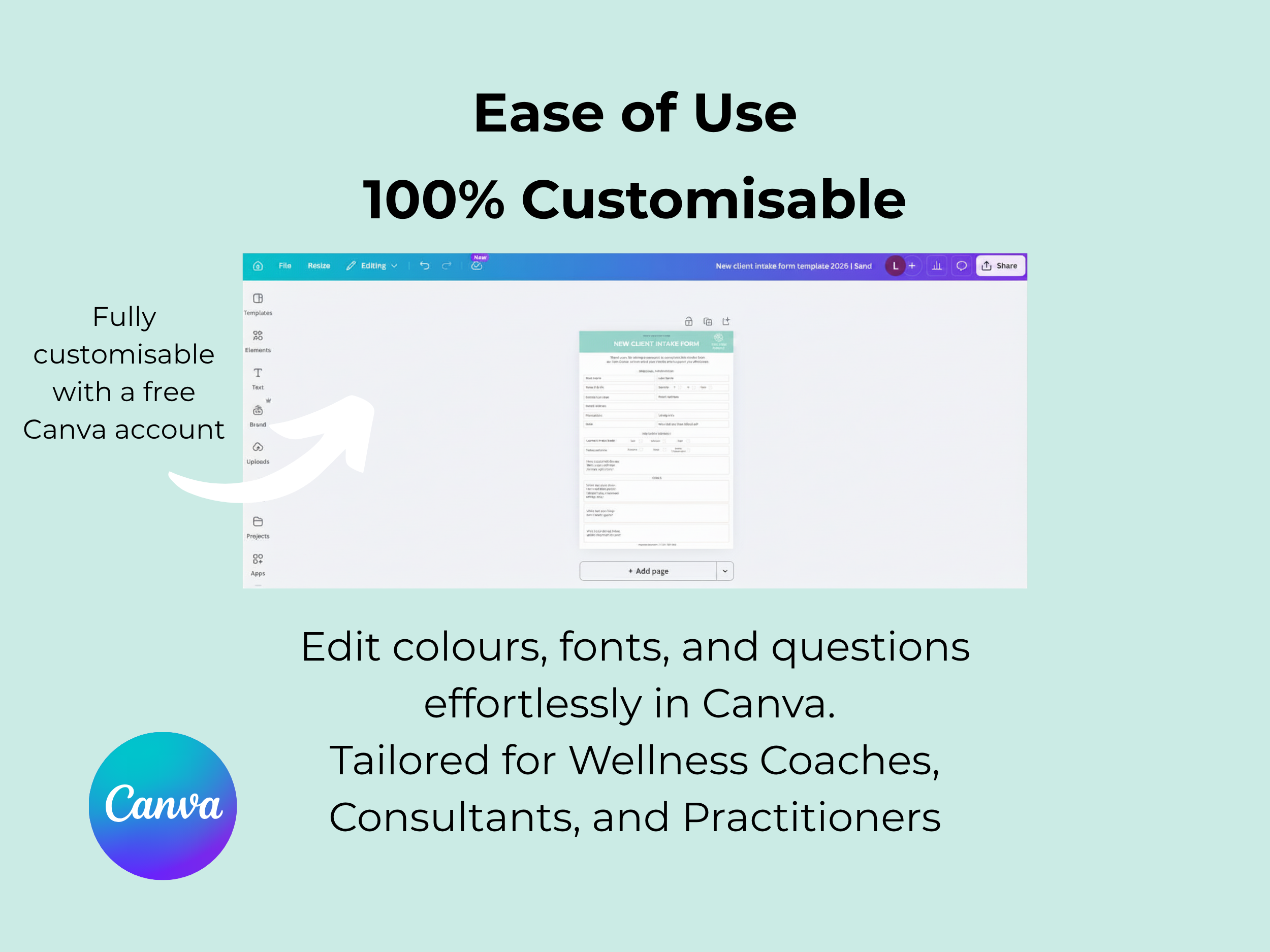 Image 4 of 5
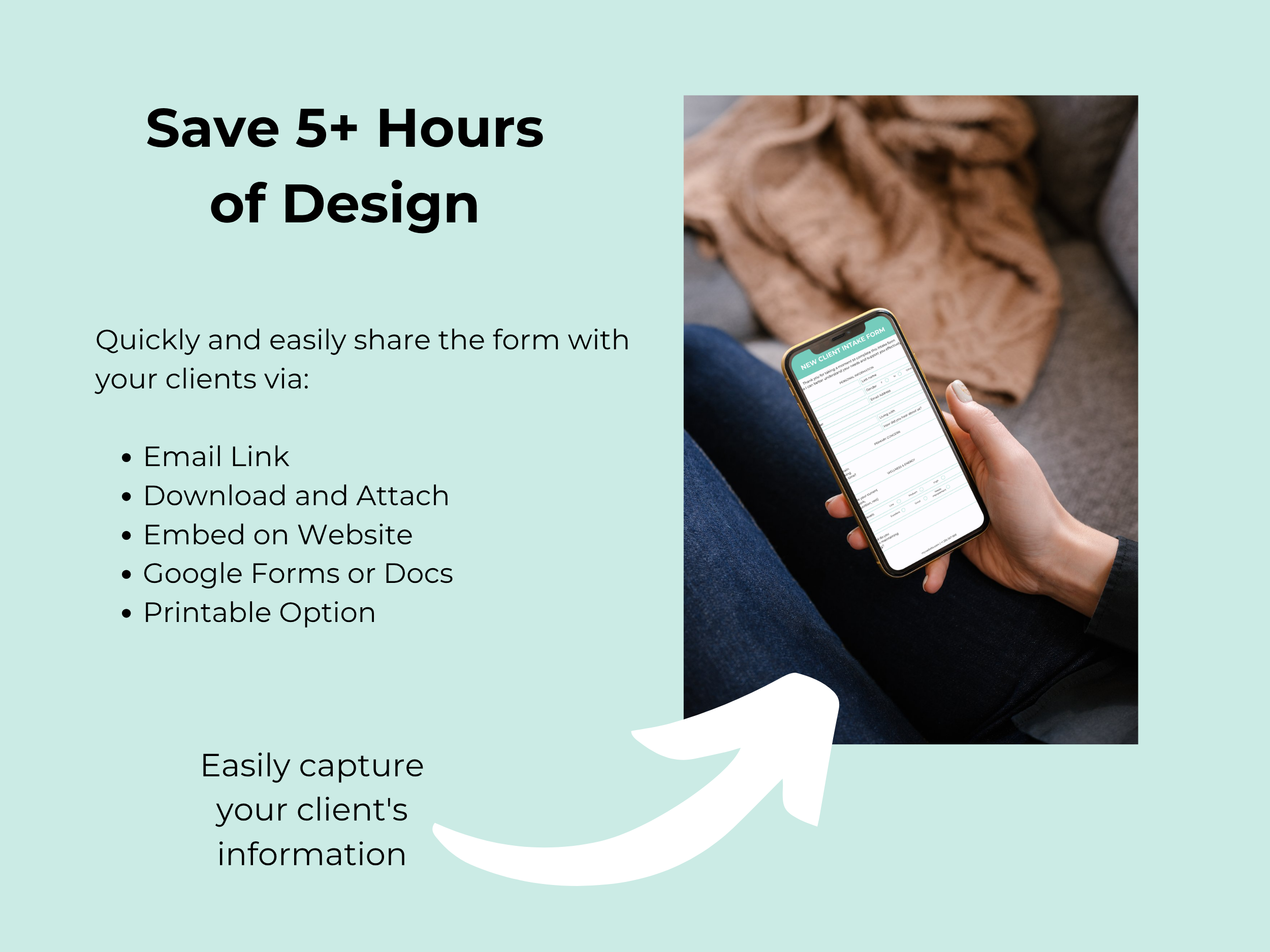 Image 5 of 5
New Client Intake Form Canva Template for Wellness Coaches | The Botanical Collection

-
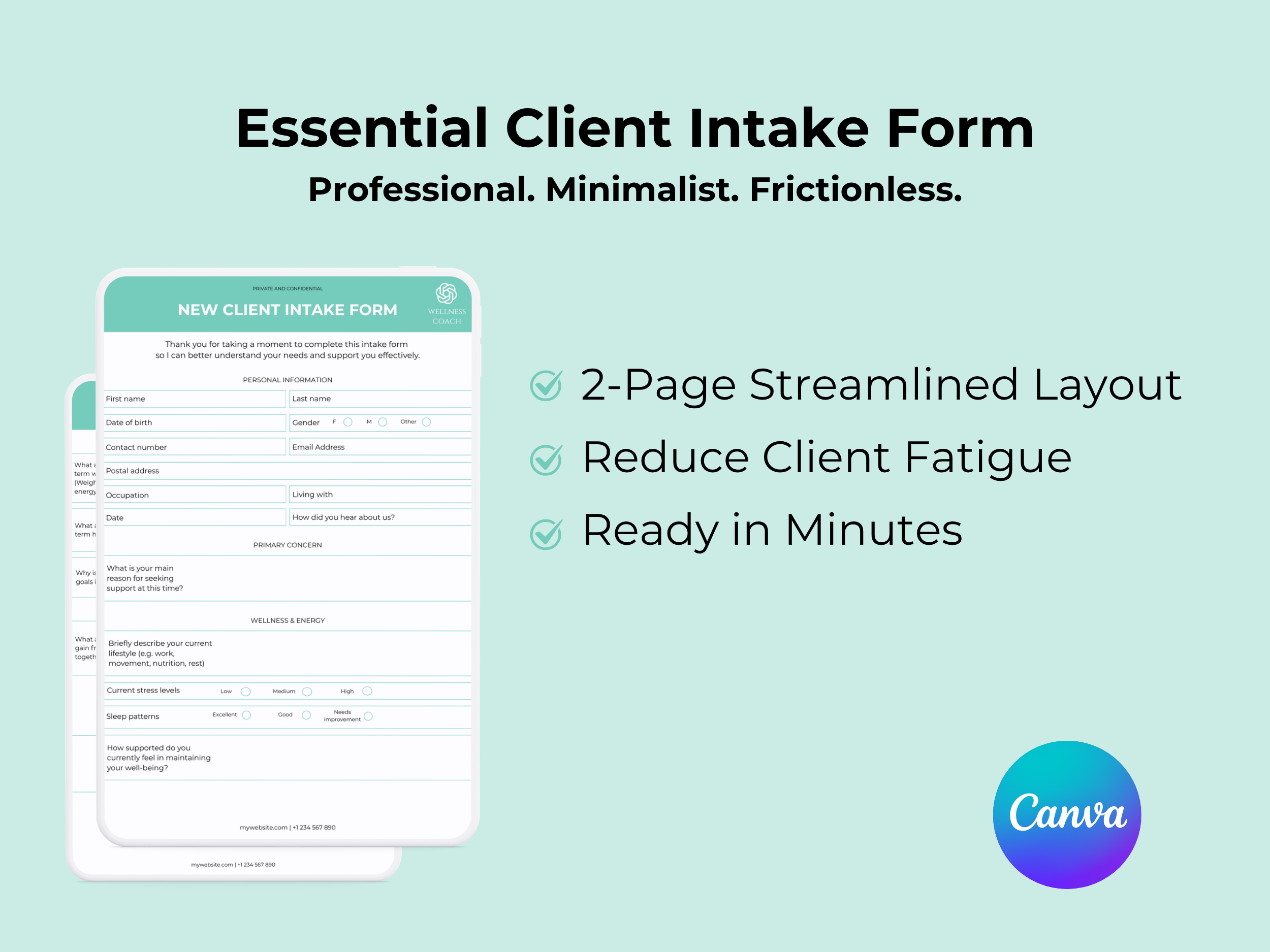
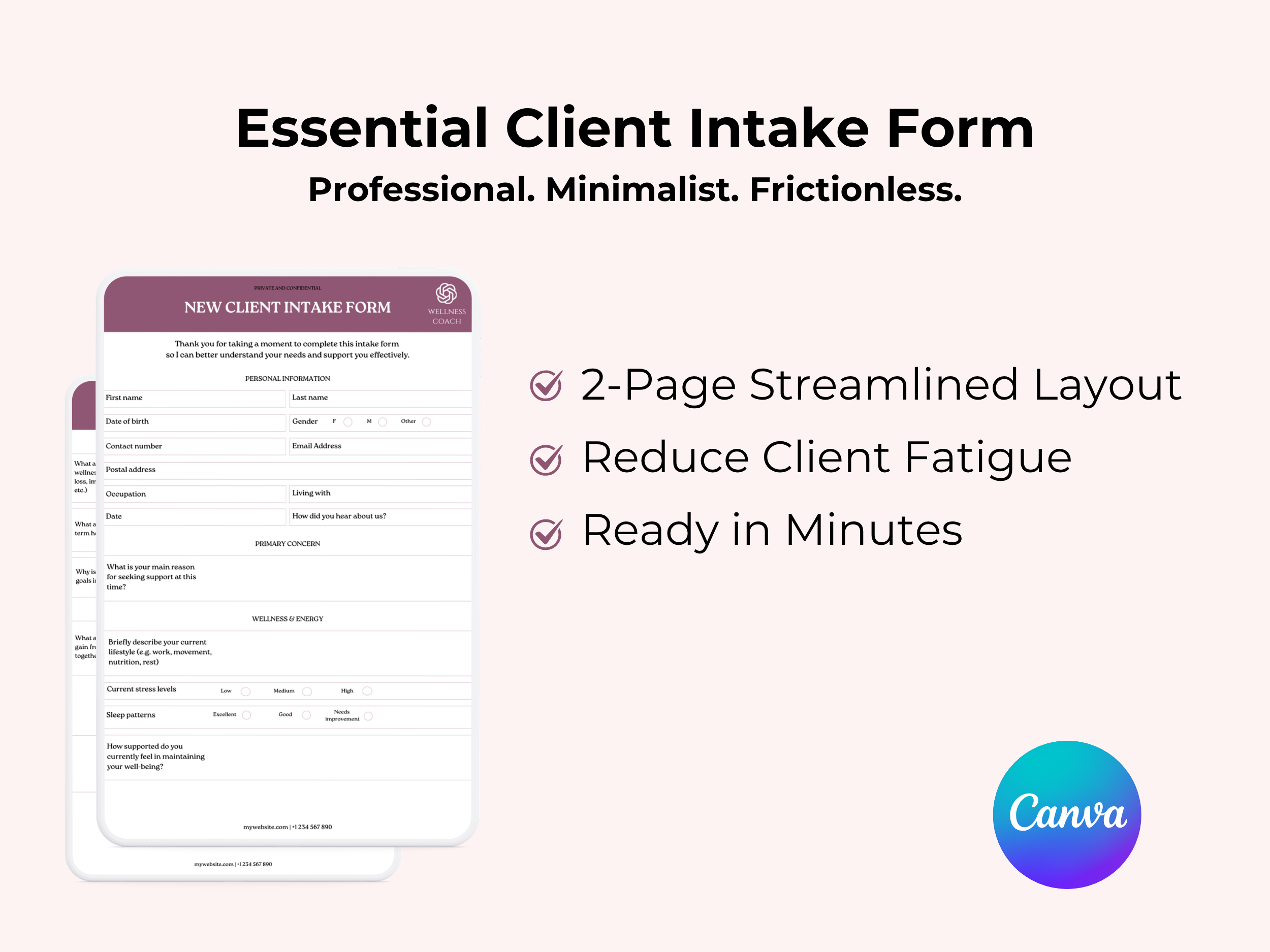
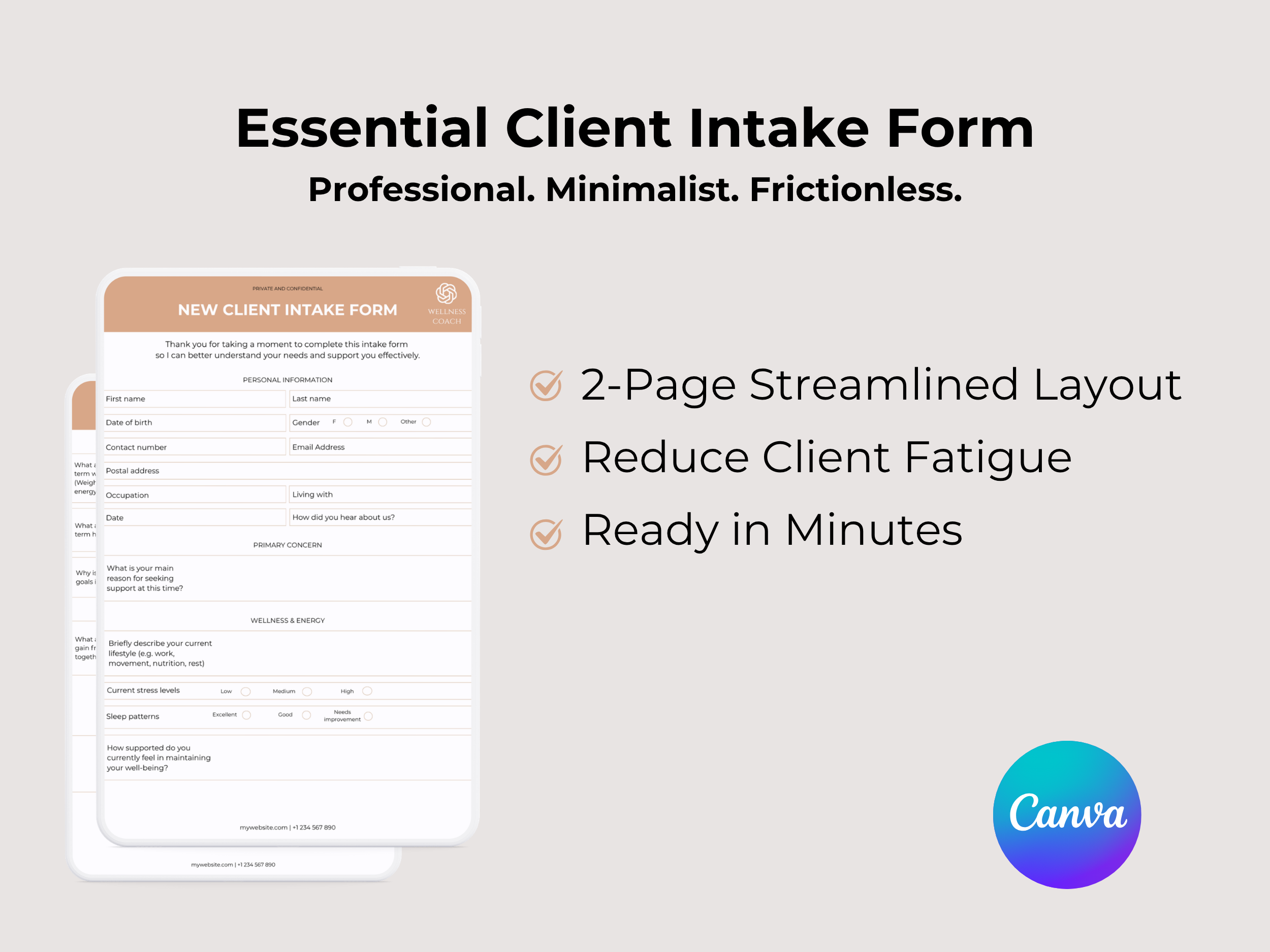
Includes sections for personal details, medical history, lifestyle habits, wellness goals, and more
Clean, user-friendly format designed to save time and gather essential insights
Fully customisable with a free Canva account—easily adjust questions, fonts, and colours to match your brand
Ideal for wellness coaches, holistic health practitioners, nutritionists, and life coaches
Take your client intake process to the next level with this easy-to-use, customisable form, ensuring a smooth and personalised start for every client.
Standard Licence
-
Instructions to download your file
Follow these steps to download your digital resource after purchasing from louisesam.com:
Complete Your Purchase
After finalising your purchase on louisesam.com, you will see a confirmation page with a download link.
You’ll also receive a confirmation email containing the link to access the template.
Download from the Confirmation Page
If you're still on the confirmation page, click the “Download Template” button. This will take you directly to the Canva template.
If you missed it, don’t worry—you can also download it from the email.
Check Your Email
Open the confirmation email from louisesam.com. Look for the subject line: “Your Download is Ready!”
Inside the email, you’ll find a link to the Canva template. Be sure to check your spam or promotions folder if it’s not in your inbox.
Click the Canva Template Link
In the email, click the link to access the template on Canva. This will redirect you to Canva’s website.
Sign In or Create a Canva Account
Once redirected to Canva, sign in to your existing account. If you don’t have one, sign up for a free Canva account to access and edit the template.
Copy the Template to Your Account
On the template page, click “Use Template”. This will create a personal copy in your Canva account that you can edit.
Edit and Customise
You now have your own version of the template. Customise it by adding your logo, changing the text, colours, fonts, and making any other adjustments to suit your brand and business needs.
Download Your Final Version
When you're finished with your edits, click “Download” in the top right corner of Canva. Select the appropriate file format (PDF for sharing with clients) and save it to your device.
Save for Future Use
Your customised version is saved in your Canva account, so you can return and make adjustments anytime.
-
For Terms of Use, please click here
Discover Similar Products
Ready to go beyond the form?
Explore how we can restructure your systems and support your practice to operate at its full capacity.
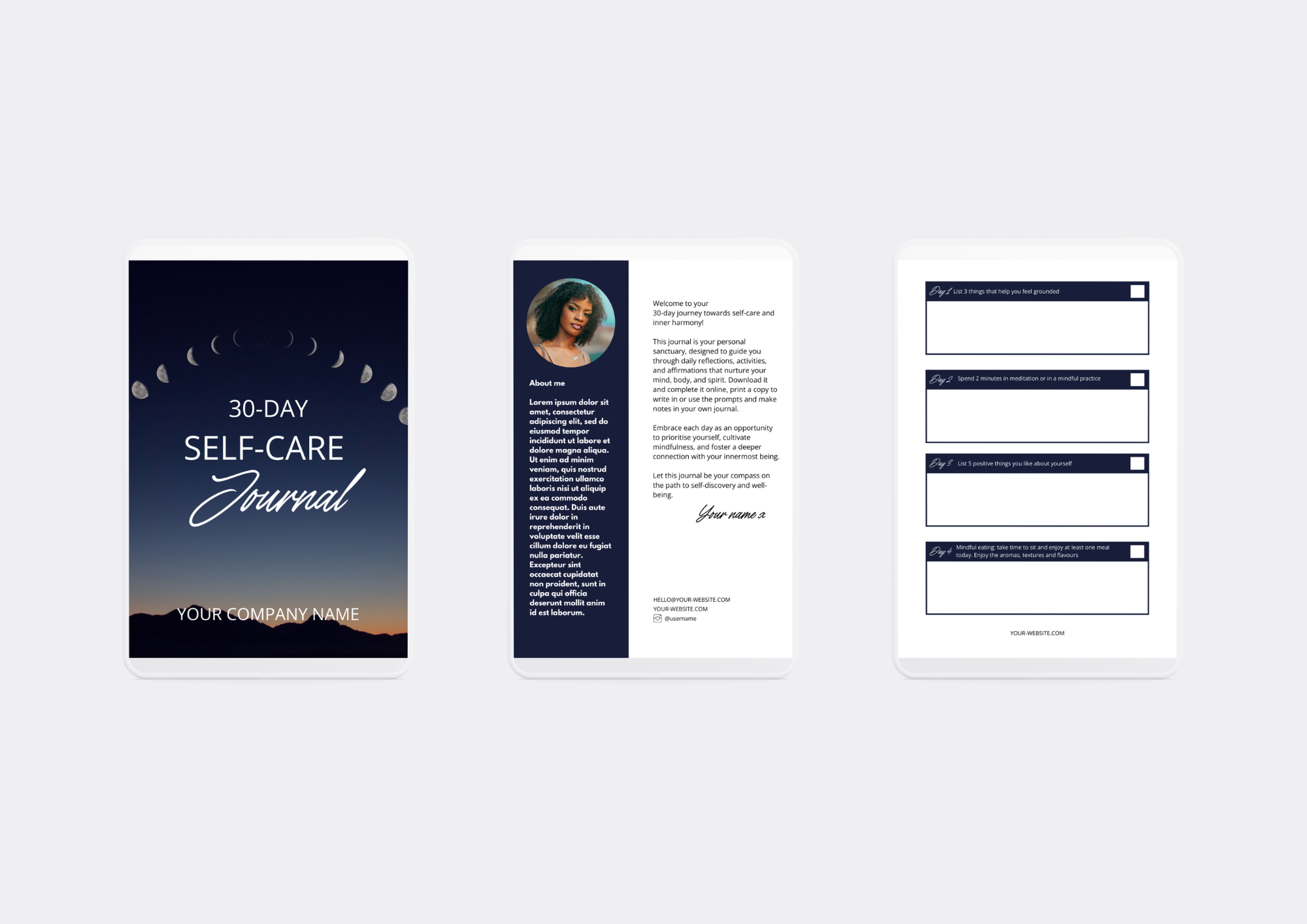
Attract and nurture new clients with a ready-to-use 30-day self-care challenge designed to grow your email list and position you as the go-to wellness guide in your niche.
This plug-and-play Canva template gives you everything you need to launch a high-value lead magnet in hours, not weeks.
Instead of starting from scratch, you get a structured, client-ready challenge that builds trust, deepens engagement, and naturally leads into your paid offers.
Includes:
Fully editable 30-day self-care challenge (Canva template)
Done-for-you email nurture sequence to convert subscribers into clients
Simple setup guide so you can launch quickly and confidently
Perfect for wellness coaches who want:
More consistent lead flow
A simple, high-value free offer
A clear pathway from audience to paying clients